AI that never leaves your iPhone.
Ask anything, open a PDF, snap a receipt. Secure AI answers with the language model built into iOS, right on your iPhone and iPad. No account, no upload, nothing to download.

Free. For iPhone and iPad with iOS 26 and Apple Intelligence. Other devices: Personal LLM.
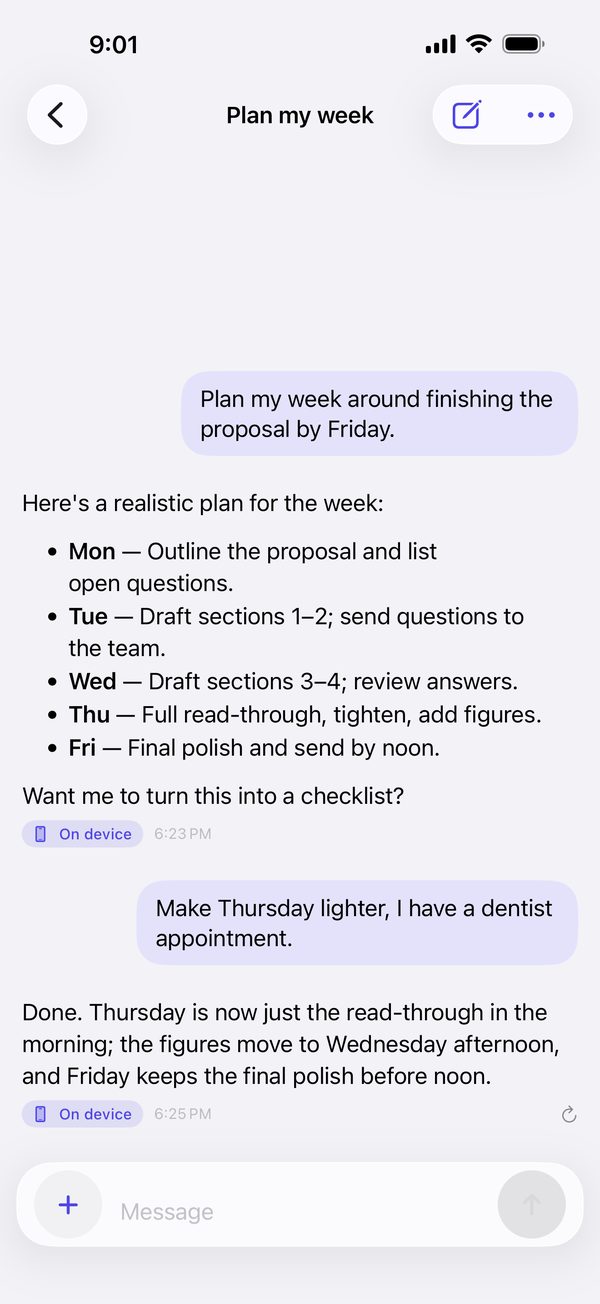
Private by design
Your questions stay yours.
Most AI apps send what you type to a server. Secure AI has no server to send it to.
Answered on your device
Every reply comes from the model built into iOS, on your iPhone or iPad. A badge on each answer says where it ran.
No account
Nothing to sign up for and nothing to sign in to. Open the app and ask.
Documents stay local
PDFs, scans and photos are read on the device, including the text in pictures.
Locked and encrypted
Chats are encrypted at rest by iOS. Lock the app with Face ID, and export backups with a passphrase.
A quick tour
Built for real questions.
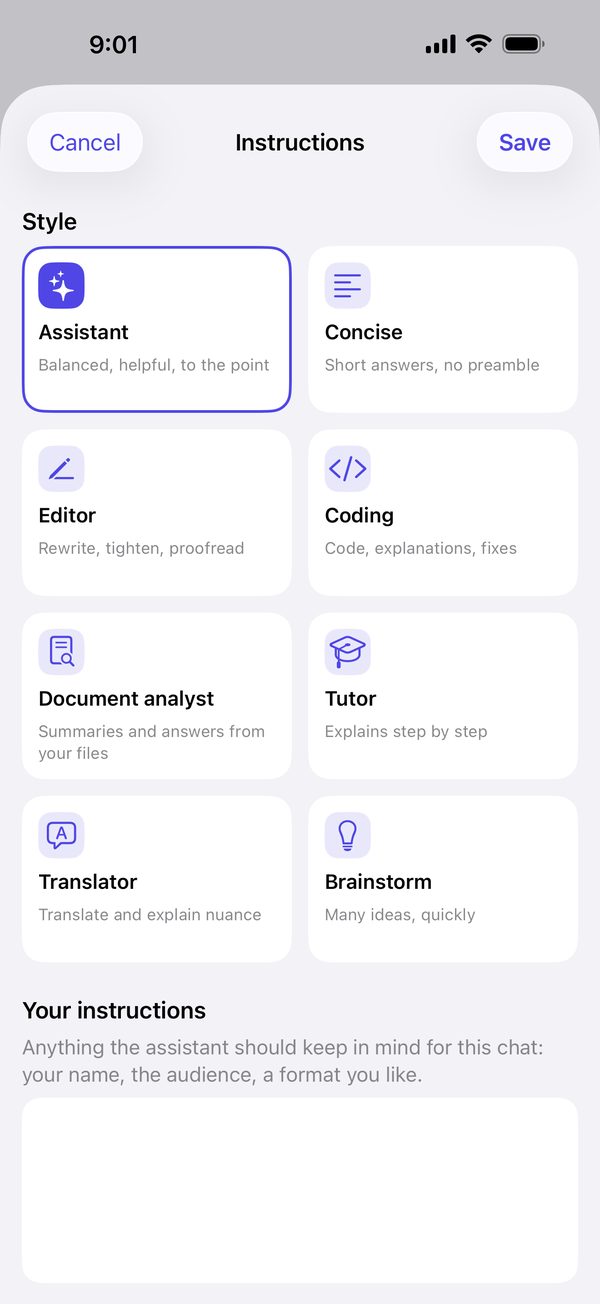
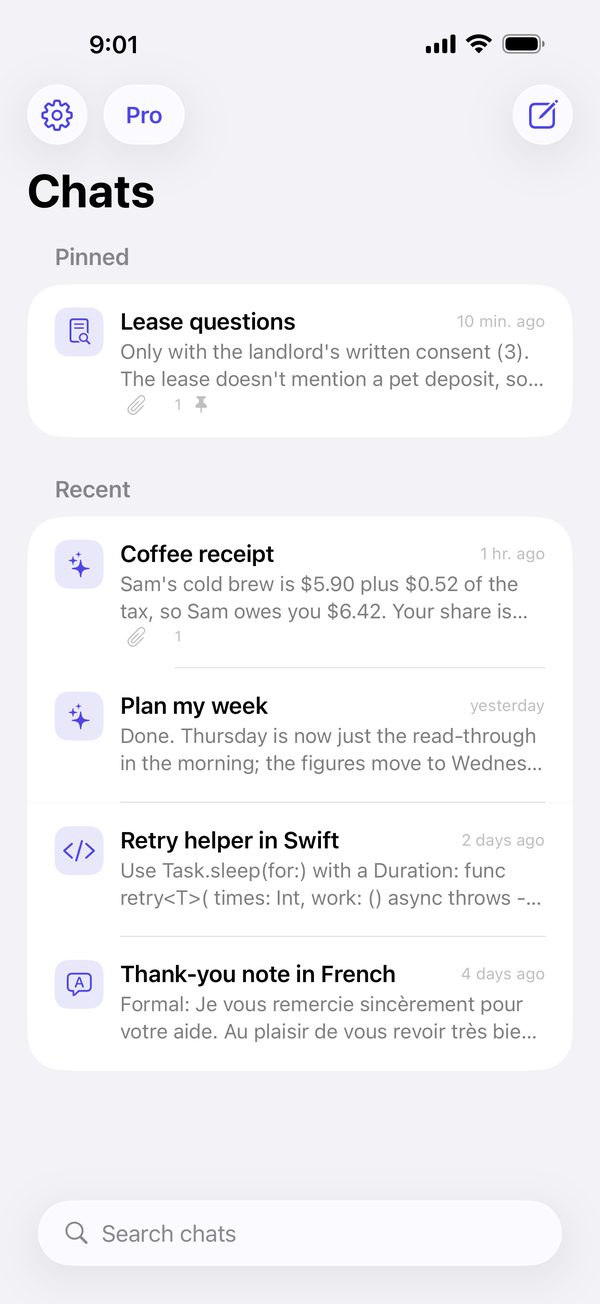
Streaming answers with proper formatting, sources you can check, and presets for the way you work.
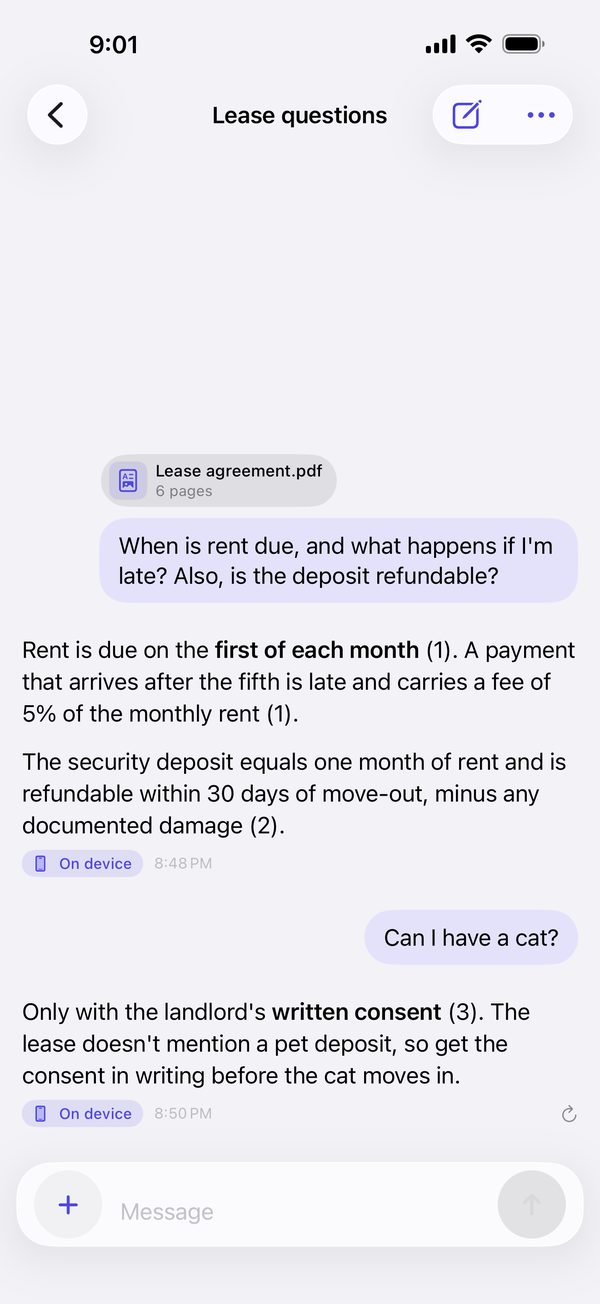
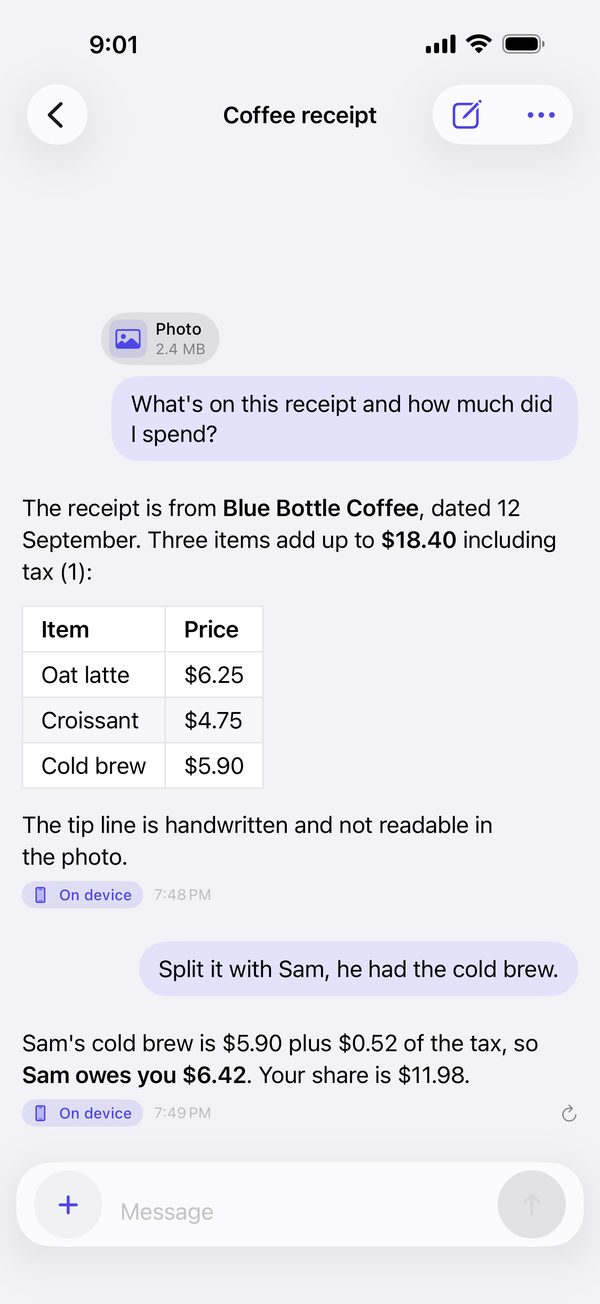
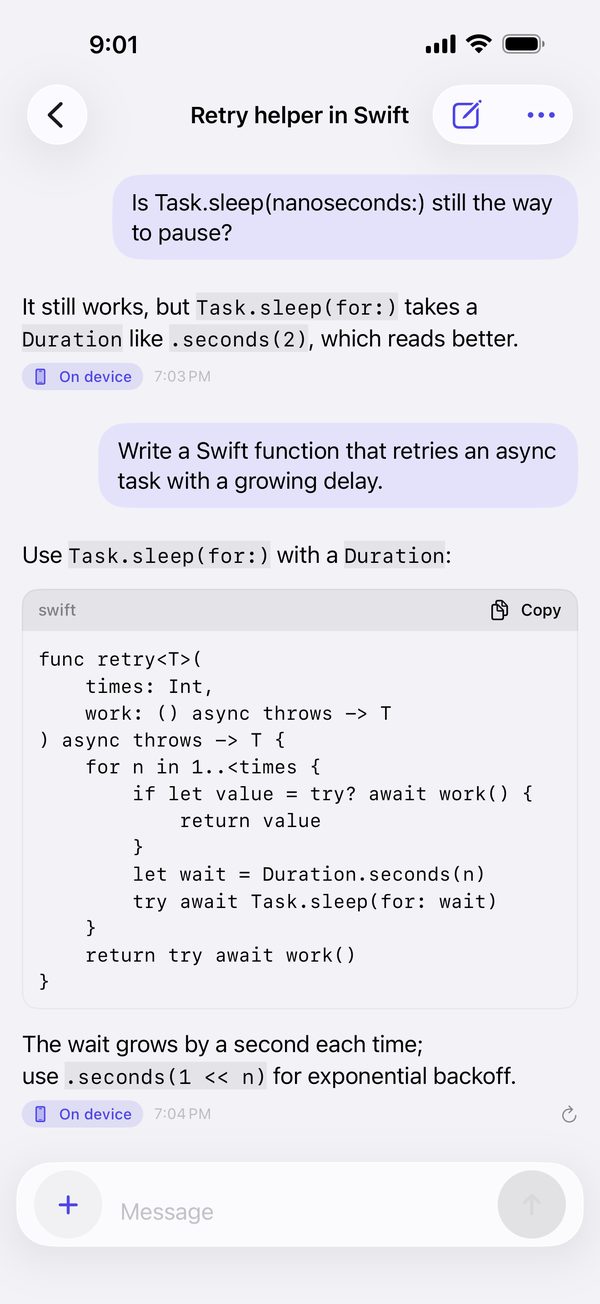
Made for iPad too
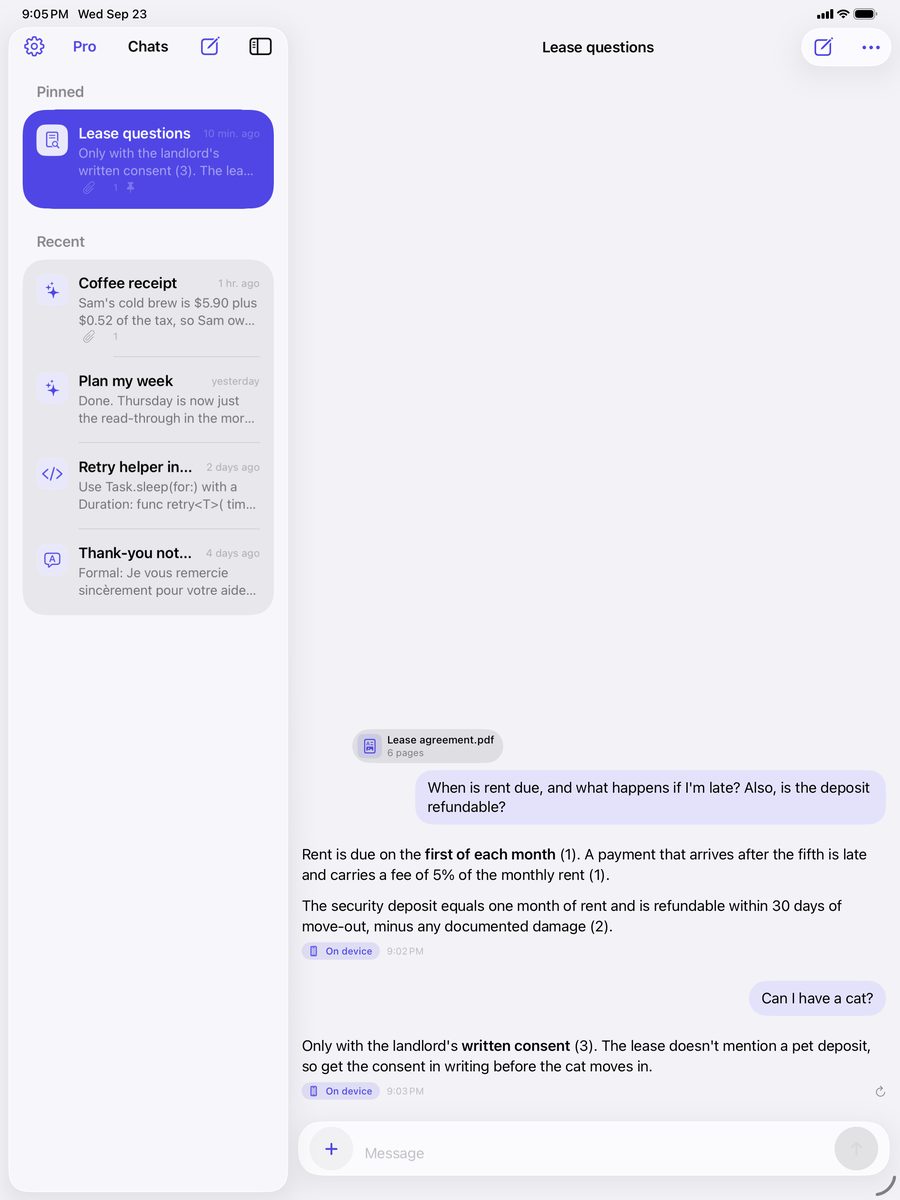
Your chats and the conversation side by side, in either orientation, with keyboard shortcuts for a new chat and sending.
And more
Works the way your iPhone does.
Share from any app
Send text, links, PDFs and images from the share sheet.
Siri and Shortcuts
Ask Secure AI from Siri, the Lock Screen or Control Center.
Widgets
Start a chat from the Home Screen or the Lock Screen.
Works offline
Chat, documents and photos work without a connection.
Read aloud
Listen to any answer in the system voice.
Backups you control
Export your chats, with a passphrase if you like, and restore them on a new device.
Spotlight, if you want
Find past chats from the Home Screen, or keep them out of the index.
Nine languages
English, French, German, Spanish, Italian, Portuguese, Japanese, Korean and Chinese.
Free and Pro
Free to chat. Pro for no limits.
Both plans are equally private. Pro changes the limits, not where your data goes.
Free
Everything you need to try it properly.
- Unlimited chat on your device
- A daily allowance of documents and photos
- Watch a short ad for one more
- A small banner ad
Secure AI Pro
For the days you live in it.
- No daily limits on documents and photos
- No ads
- Monthly or yearly, with a 3-day free trial on yearly
- Or buy it once, for life
Prices are shown in the App Store before you buy. Cancel any time in Settings.
FAQ
The short answers.
Is it really private?
Yes. Answers come from the language model built into iOS and are generated on your device. The app has no server and no account. It goes online only for links you share into it, for purchases, and for non-personalized ads on the free plan. The privacy policy has the details.
Which devices does it run on?
iPhone 15 Pro and later, and iPad with M1 or A17 Pro and later, on iOS 26 with Apple Intelligence turned on. On other devices, Personal LLM runs open models locally, on iPhone and on Android.
Does it work offline?
Yes. Chat, documents and photos work without a connection.
Do I need an account?
No. There is nothing to sign up for.
What languages does it speak?
English, French, German, Spanish, Italian, Portuguese (Brazil), Japanese, Korean and Simplified Chinese.
How do I cancel Pro?
In Settings › Apple Account › Subscriptions. The free trial can be cancelled any time before it ends. To move Pro to a new device, tap Restore Purchases in Secure AI's settings.
How do I get help?
Email [email protected]. Every message is read.

Ask anything. Keep everything.
Secure AI is free on the App Store for iPhone and iPad.